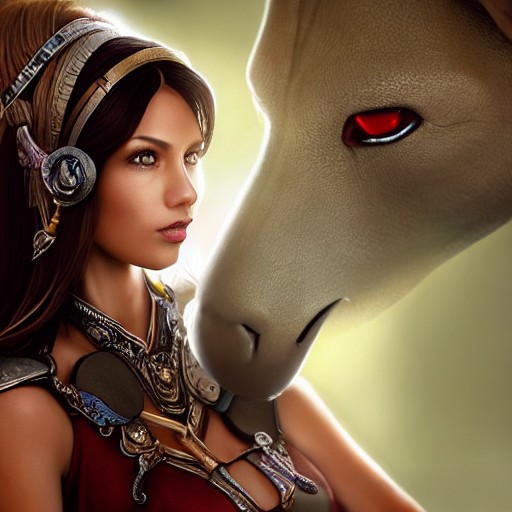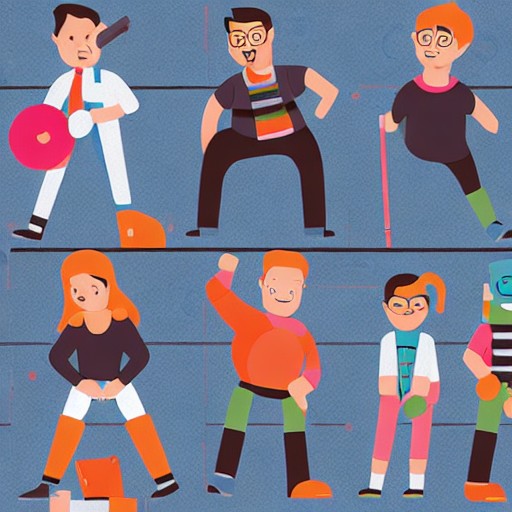
Concept artist Fano Rakotoh shares his Photoshop techniques for transforming a rough idea into a polished character design. Begin with abstract silhouettes and explore shape language, refine your sketches to define pose and personality, then add line art and flat colours. Use patterns and ambient occlusion to bring authenticity, and finally refine lighting to create depth and volume.
This structured workflow ensures clarity from every angle, making it easy to adjust at each stage before finalizing the design. The process is both flexible and detailed, allowing for endless iterations until you capture that perfect blend of form and function.
Understanding light and shadow is key—use the Surface brush to add subtle textures, experiment with hard and soft edges to control visual flow, and integrate your layers with blending modes like Multiply and Overlay. The result? A character that leaps off the screen, ready for any adventure or scenario you can imagine.