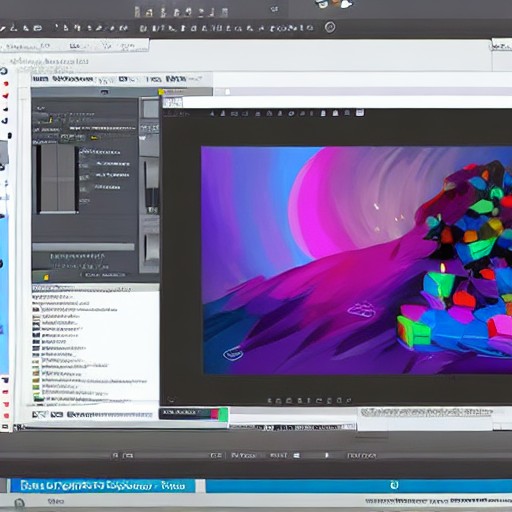
Krita tips can transform your digital art workflow with shortcuts and features that speed up your process. Use workspaces and dockers to streamline tasks or create your own custom setup for maximum productivity.
Efficiently navigate Krita’s canvas by holding Space to move it, or using the navigation slider via right-click. Rotate and reset zoom with ease, making complex edits smoother.
Enhance realism in architectural drawings by utilizing perspective assistants like 2-point perspective or vanishing points. Snap brushes directly onto these grids for perfect lines every time.
Work non-destructively using layers to add details without altering the original artwork. Groups help manage large, intricate projects with ease and precision.
Experiment with multibrush and dynamic brush tools for symmetrical designs or smooth, rubberband-like strokes. Wrap-Around Mode ensures seamless textures perfect for game art.