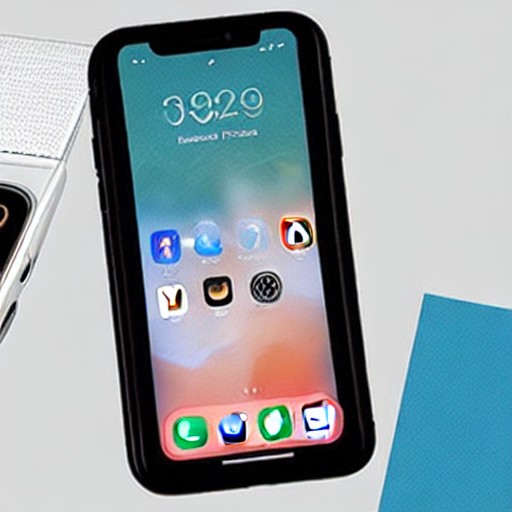
Phone screens have improved dramatically, but they still fall short of dedicated e-readers and physical books when it comes to extended reading sessions. However, with a few simple tweaks, you can make your phone's display more suitable for text-heavy content.
To start, adjust the display settings on both Android and iOS devices. Increase font sizes and switch to dark mode to reduce eye strain. Both platforms also offer night reading modes that filter out blue light and warm up the screen for a more comfortable experience.
For online browsing, most modern mobile browsers have built-in reading modes that simplify the interface by removing distractions and focusing on the main text. Google Chrome and Safari both provide these features, allowing you to customize font sizes and colors directly from your phone.
If you prefer a dedicated app for managing your reading content, consider installing Instapaper. This app offers a distraction-free environment where you can highlight, take notes, and even have articles read aloud. It’s available on both Android and iOS devices, and while it's free, the premium version comes with additional features like advanced search and text-to-speech functionality.