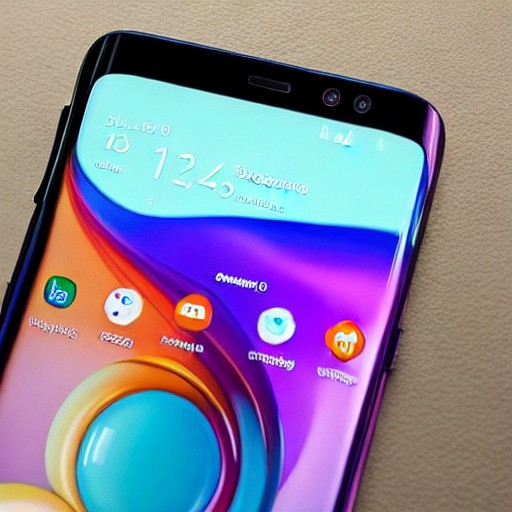
It’s a big year for Apple firsts. The company launched the first MacBook Neo, unveiled its first folding iPhone in September, and installed a new CEO for the first time in 15 years. Now comes the Apple HomeView, Apple’s first smart display. The 7-inch square screen has multiple 'faces' you can swipe through, just like a smartwatch. You can even customize the face’s colors and add different complications for more glanceable information. The HomeView can range from a clock, your favorite photos, weather updates, to Snoopy animations. Swipe up for the home screen, which is more like an iPhone or iPad, with apps neatly arranged alongside widgets. Except the HomeView doesn’t run iOS or iPadOS—it runs the generically named HomeView software. It doesn’t have an App Store. Instead, Apple has a curated selection of apps, including FaceTime, Messages, and Safari. A handful of third-party media apps like Spotify are available, and developers can bring over existing CarPlay apps. If your iPhone already has one of these CarPlay apps installed, it can automatically appear on the HomeView after setup. (There are no video streaming apps like YouTube, Netflix, or Disney+, but if those companies choose to make their apps available on the CarPlay framework, they will show up on the HomeView; for now, you'll have to consume videos by using the Safari browser.)
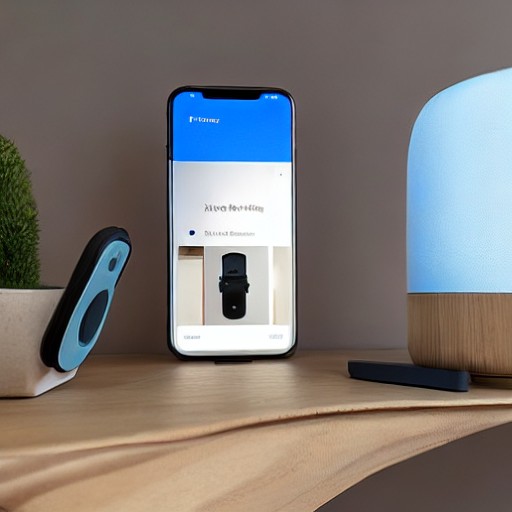
To get the most out of the HomeView, you need an iPhone with Apple Intelligence support (an iPhone 15 Pro or newer)—you can’t set it up with an iPad. Apple says you can still set it up with an older iPhone and access some of Siri AI's smarts (like broad world knowledge), but smarter app actions and personal context queries require an iPhone with Apple Intelligence. The aluminum hardware, powered by Apple’s A18 chip, comes in four colors: silver, starlight, rose pink, and space gray (Apple color-matches the woven cable, too). The standard HomeView has a speaker base with a screen that tilts manually up or down for angled viewing, but you can also buy a wall-mountable version. The latter offers three mounts to choose from, one of which is DIY-friendly and has a visible power cord that needs to run to an outlet. The other two are designed for professional installers, either hardwired or connected via Power over Ethernet (PoE).
Technically, the primary speakers—two full-range drivers—are built into the screen. But the standard HomeView has a base that houses a down-firing woofer and two force-canceling passive radiators for stronger bass. It sounds pretty good based on a very limited listening experience, and can fill a large room quite well. The wall-mounted variant won’t have that extra oomph but Apple claims it tunes the audio for wall placement. The 7-inch Liquid Retina display has familiar elements, like True Tone, which adjusts the screen’s color temperature to match the room’s lighting. The ambient light sensor can also reduce display brightness from 500 nits to 0.3 nits, which is the lowest brightness Apple has ever engineered on a screen. That'll be helpful if you place the HomeView on the nightstand. That is, if you're comfortable placing a camera-equipped display in the bedroom. A 12-megapixel Center Stage camera and four-microphone array sit on the front, but they aren’t just for FaceTime calls. The camera handles facial recognition, allowing the software to adapt to whoever is looking at the screen.