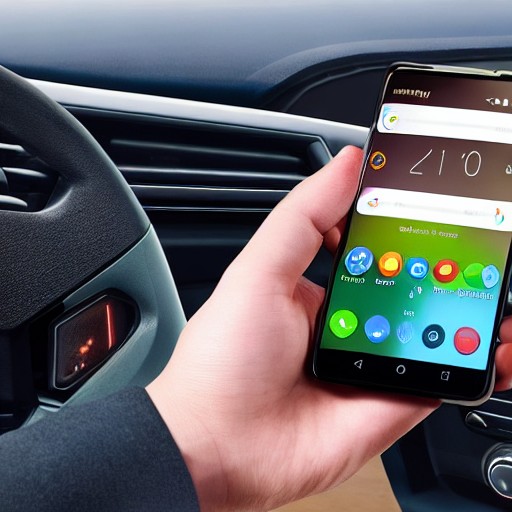
Explore the often-overlooked features of Android Auto, as it offers a powerful yet simple tool: customizable shortcut buttons. By adding these, you can control a myriad of functions right from your dashboard, without needing to fumble through menus.
The possibilities are endless—navigate home, adjust the radio, or even open your garage door—all with just a tap. To create one, navigate to the Android Auto settings on your phone and select ‘Customize Launcher.' From there, simply type in your desired command and name it, then hit ‘Create shortcut.’
Once set up, these buttons can be rearranged or deleted at will. Think about common driving tasks that would benefit from a button push over voice commands, like checking the weather or finding nearby services.
This feature is particularly useful for those who frequently use Google Assistant and want to save time by having their most-used commands within easy reach. With Android Auto’s Gemini update on the horizon, this customization remains an invaluable tool in your driving arsenal.
Whether you’re a tech enthusiast or just looking to make your daily drives more efficient, these shortcuts can significantly enhance your experience behind the wheel, keeping you safer and more focused on the road ahead.