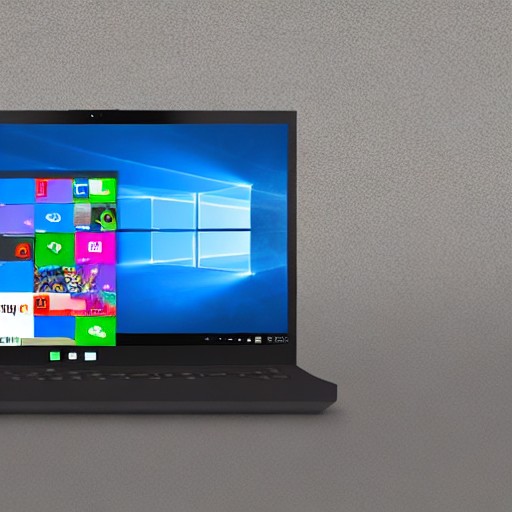
Microsoft's latest Windows 11 update is all about giving users more control over their desktop experience. Insiders in the Experimental channel can now adjust the alignment of the taskbar, making it sit comfortably at the bottom, top, left or right side of the screen. This flexibility might make your PC feel like a customizable pet rather than just a machine.
The Start menu is getting an overhaul too. Users will be able to choose between a ‘Small’ and ‘Large’ version, with options to hide sections such as ‘Pinned’, ‘Recommended’ (now renamed to ‘Recent’) and all applications. You can even hide your profile from the Start menu, perfect for those spontaneous presentation moments.
Diego Baca, Microsoft’s design director, highlights that these changes are part of earning back user trust through visible progress. The taskbar and Start menu have always been points of tension between users and tech giants, but now they’re giving us more say in how we interact with our computers.
A smaller taskbar could be particularly useful for devices with limited screen real estate, ensuring that important tools are still accessible without cluttering the screen. Meanwhile, the ability to hide sections of the Start menu might help declutter your desktop even further, making it feel more like a clean slate.
These adjustments reflect a broader trend in tech: giving users more control and personalization options while maintaining usability. It’s all about finding that sweet spot where functionality meets user preference without sacrificing efficiency.